Social teams
Turn a campaign idea into several short drafts, then send the strongest cut through the veed ai caption generator for readable subtitles.
AI VIDEO CREATION
VEED AI turns a simple idea into a structured first draft with scenes, pacing, captions, and voice options ready for refinement. Start with a prompt instead of a blank timeline.
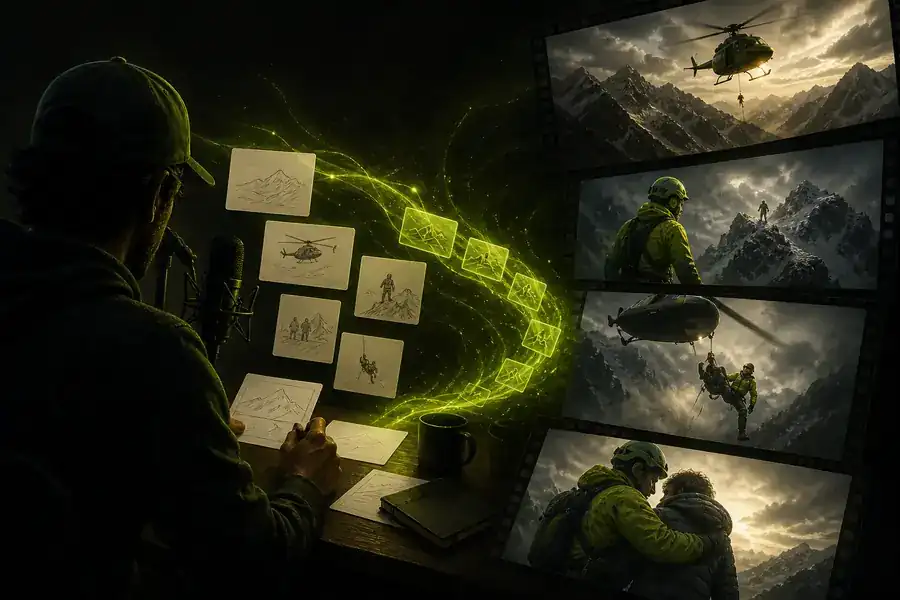
The generator route is for moving from an idea to a usable video quickly. The general VEED editor starts with footage, a project, or a detailed timeline. Both can meet in the same workflow: VEED AI creates the rough structure, while a dedicated video editing workspace gives you granular control afterward.
Think of this page as the faster front door. It is particularly useful when you know the message, audience, or mood but do not yet have every asset organized.
Tell VEED AI what the video should say, show, and feel like. Include the audience, format, and call to action for a stronger first pass.
Pick a visual treatment, voice, aspect ratio, or pacing that matches the channel. Specific choices help the generator make useful decisions.
Use the generated draft as a starting point. VEED AI gets you moving; your edits make the pacing, message, and brand details yours.
CAPABILITY SPLIT
VEED AI is most useful when the hard part is getting from a concept to a coherent draft. These workflows show where the generator saves the most setup time without taking final creative control away from you.

A rough idea becomes a scene sequence.

A visual direction is ready to polish.
Turn a campaign idea into several short drafts, then send the strongest cut through the veed ai caption generator for readable subtitles.
Give VEED AI the topic and intended audience, then use the veed ai video editor to tighten the story and timing.
Build a visual outline around a script, then explore voices with the veed ai voice generator before the final edit.
Use VEED AI to shape a product story before adding your approved footage, screenshots, and brand language.
Start a product clipCHOOSE YOUR STARTING POINT
Use VEED AI when you want direction, structure, and a quick first version. Use the general editor when your media is already collected and the main job is detailed assembly. You can move between both approaches, adding caption control or voice options as the project develops.
| Attribute | VEED AI generator route | General VEED editor |
|---|---|---|
| Starting input | An idea, brief, or prompt | Footage, assets, or a project |
| First output | A structured video draft | A blank or manually assembled timeline |
| Scene planning | Suggested from the prompt | Planned by the editor |
| Best use | Fast concepts and short-form drafts | Detailed finishing and asset control |
| Creative control | Direction first, refinement second | Frame-by-frame decisions |
| Channel formats | Choose a format early | Adjust formats during editing |
| Recommended handoff | Polish the generated draft | Finish and export the project |
A QUICK WAY TO PLAN
SET EXPECTATIONS
VEED AI is a fast creative starting point, not a replacement for judgment. Knowing where the generator stops helps you decide when to switch into a more detailed workflow.
A prompt cannot know every approved phrase, visual rule, or legal requirement in your brand system.
Workaround: provide brand cues, then review every scene.
Generated scripts and visuals still need a human check for accuracy, claims, names, and context.
Workaround: verify factual content before publishing.
The first VEED AI draft can be directionally right while still needing tighter pacing, replacements, and stronger transitions.
Workaround: treat the first version as a storyboard with momentum.
PLANNING WIDGET
Move the slider to plan a batch of short videos. This is a planning estimate, not a promise about generation time.
It is best for turning a brief, topic, or creative direction into a coherent first video draft. VEED AI helps with structure and momentum, while you decide what is accurate, on-brand, and ready to publish.
Yes. The workflow is designed for a browser, so you can begin with a prompt and refine the result without installing a traditional desktop production suite.
Name the audience, purpose, tone, length, format, visual mood, and final action. A prompt such as “a 30-second vertical product launch for busy founders, clean and energetic, ending with one clear benefit” gives VEED AI useful constraints.