Social creator
Turn a loose content idea into a quick vertical draft with a hook, supporting scenes, and readable captions.
veed ai image to video adds motion to stillsPrompt-led video creation
Veed AI text to video turns a written idea into a structured first cut with visuals, pacing, captions, and voice options. It is a practical starting point for creators who want direction without opening a blank timeline.
9:16
social-ready format
Scenes
planned from your prompt
Editable
after generation
This text to video format is designed for moving from concept to editable draft. Describe the subject, mood, audience, and action; Veed AI assembles a visual direction that you can refine rather than treating the generated result as final. If your starting point is a still image, the veed ai image to video workflow is the more direct route.
| Capability | Text to video | Image to video |
|---|---|---|
| Starting input | Written prompt | Still image |
| Scene planning | Built from the description | Follows the supplied frame |
| Voice options | Available for narration | Available after import |
| Captions | Can be added and styled | Can be added and styled |
| Best first use | Stories, explainers, concepts | Animating an existing visual |
| Human editing | Recommended | Recommended |
From A to B
Words carry intent, but a video needs visible choices. The text to video workflow translates your brief into shots, transitions, on-screen language, and a rhythm that gives the idea somewhere to go. That makes it useful when you know the message but do not yet have footage.
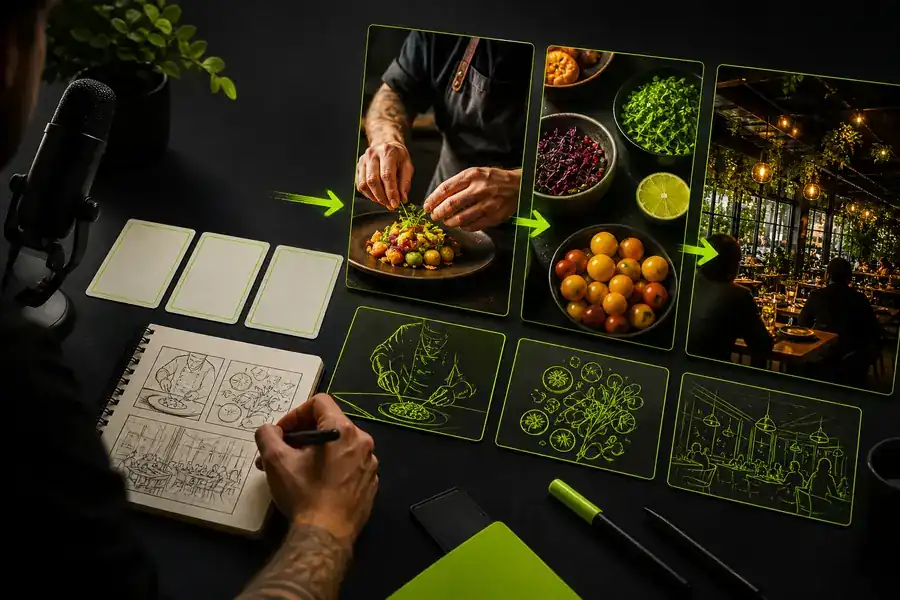
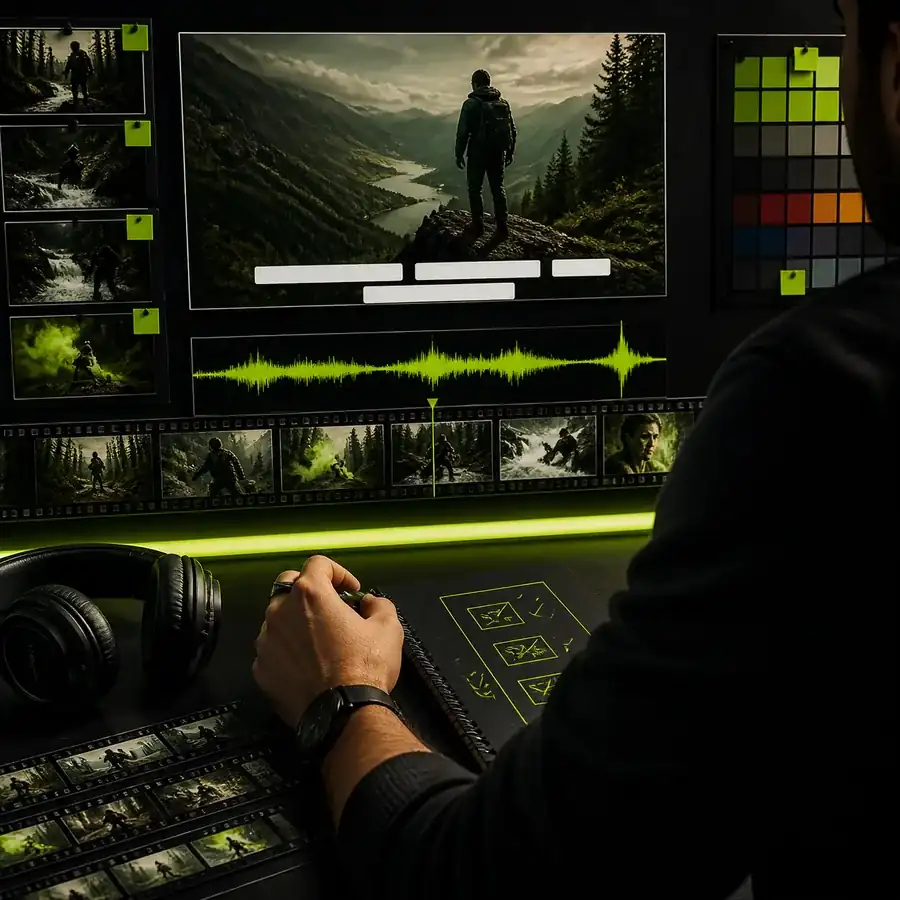
The strongest result comes from treating generation as direction: state what should be seen, heard, and felt, then revise the details in the editor.
A guided starting point
Keep the prompt specific enough to guide the visual language, but open enough to leave room for editing. Veed AI works best when the brief names a subject, setting, movement, tone, and destination.
Prompt to first cut
Vertical social video
“A warm, energetic 30-second introduction to a neighborhood coffee shop, morning light, close-up pours, friendly barista, bold captions, upbeat pacing.”
Turn a loose content idea into a quick vertical draft with a hook, supporting scenes, and readable captions.
veed ai image to video adds motion to stillsGive a campaign message a consistent visual direction before your team spends time sourcing every shot.
veed ai for marketers keeps briefs movingConvert a lesson outline into a visual explainer that can be tightened, captioned, and adapted for different audiences.
veed ai caption generator improves claritySketch an intro, recap, or supporting segment from a script before shaping the pacing in a full edit.
veed ai for youtube supports faster draftsFormat milestones
The format has moved from novelty clips toward useful, editable production support.
Creators began testing short descriptions as a faster way to explore visual concepts.
Text prompts became better at describing sequences rather than isolated images.
The first generation became a draft to trim, rearrange, caption, and brand.
Veed AI helps teams move from a brief to a usable starting point in one browser-based flow.
Honest boundaries
A generated first cut is useful because it gets you moving, not because it removes every creative decision.
Small logo placement, product proportions, and precise packaging details may need correction.
Workaround: provide brand assets and inspect each scene before publishing.
Long videos with recurring characters or exact shot continuity are harder to keep consistent.
Workaround: generate short sections and assemble them deliberately in the editor.
AI can organize a message, but it cannot replace a human check for claims, tone, or permissions.
Workaround: verify narration, captions, media rights, and calls to action.
Name the subject, setting, movement, mood, audience, duration, format, and any caption or voice direction that matters.
Yes. Treat the output as a draft: trim scenes, change timing, replace media, adjust text, add captions, and refine the audio.
It is particularly useful for short-form concepts because a concise prompt can establish the hook, sequence, and vertical framing quickly.
Rewrite the prompt with more concrete visual direction, simplify the idea, and generate a focused scene sequence instead of adding every detail at once.