A clearer way to make video for the feed

Trust, privacy, and practical limits

Is veed ai safe for your next video?

If you are asking is veed ai safe, start with the right distinction: VEED AI is a creative tool, not a guarantee that every upload, prompt, or export is appropriate for every situation.

Browser-based

Create without a studio setup

Reviewable

You approve the final edit

Export-ready

Check the file before sharing

Start a safer video workflow

Start with the facts

3 misconceptions about veed ai safety

The question “is veed ai safe” usually mixes privacy, accuracy, and creative quality into one concern. These three distinctions make the answer more useful.

AI makes every upload public

Using VEED AI in a browser does not mean your footage should be treated as public content. Privacy depends on the information you upload, your account settings, and who receives the exported file.

Better practice: Remove confidential material and review sharing settings before you begin.

Generated claims are automatically true

VEED AI can help shape a script, voiceover, caption track, or edit, but it cannot guarantee that facts, names, citations, or visual context are correct.

Better practice: Fact-check every claim and watch the complete timeline before publishing.

Safe means suitable for every project

A tool can be safe for a product teaser and still be the wrong choice for medical advice, private legal material, or a campaign with strict rights requirements.

Better practice: Match the workflow to the sensitivity, audience, and approval standard of the project.
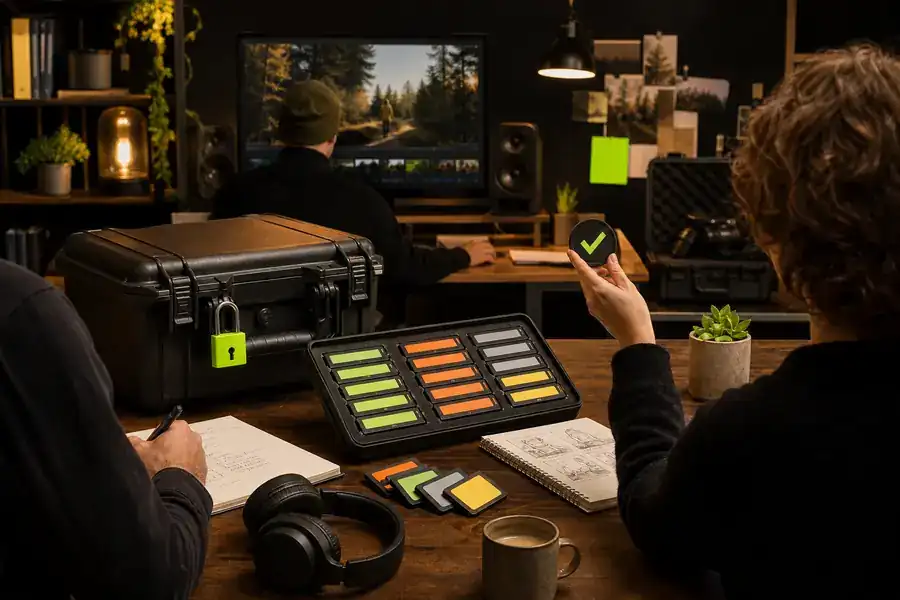

The useful definition

What veed ai actually is

VEED AI is an online set of video creation and editing features. It can turn an idea into a draft, help produce narration, generate captions, arrange scenes, and prepare versions for different channels. It is not an autonomous publisher: people still choose the source material, approve the message, and decide where the finished video goes.

That makes VEED AI reasonably safe for ordinary creative work when you use it with normal digital hygiene. Treat prompts and uploads as working materials, keep sensitive details out of them, and use a human review step before anything becomes public.

  • Use material you own or have permission to edit.
  • Remove passwords, private records, and unnecessary personal data.
  • Review the script, captions, voice, and final export yourself.
  • Keep an original copy outside the editor for important projects.
VEED AI safety workflow preview
Online VEED AI video workspace

Use the right safeguards

Boundary conditions for using VEED AI

Safety is contextual. For a low-risk social clip, a quick review and rights check may be enough. For a regulated, confidential, or reputation-sensitive project, you need a documented approval process and may need a different environment. If you want to understand the workspace first, see VEED AI online; if you need more control over the timeline, compare the VEED AI video editor.

Know when to pause

When not to use VEED AI

VEED AI is a strong fit for speed and iteration, but speed should not replace due diligence. Choose another process, or add specialist review, when the consequences of an error are high.

  1. Sensitive source material

    Do not upload information that your organization forbids placing in third-party tools. An approved internal workflow is safer for confidential records.

  2. High-stakes claims

    For health, finance, law, or public safety, use qualified reviewers. VEED AI can assist production, but it should not be the authority.

  3. Unclear rights or consent

    Pause when footage, music, likeness, or voice permissions are uncertain. A polished export does not make an unlicensed asset safe to publish.

Straight answers

VEED AI safety FAQ

The short answer to the question “Is VEED a safe site?” is yes for common video creation, provided you protect sensitive information, respect content rights, and review what VEED AI produces before publishing.

Is VEED a safe site?
For ordinary creative work, yes. Safe use still means checking what you upload, who can access the project, and where the final file is shared.
Can I trust every generated result?
No. Review wording, visuals, captions, pronunciation, and timing. VEED AI accelerates the draft; you remain responsible for the finished message.
What is the safest starting point?
Begin with non-confidential footage, add only the details needed for the edit, and keep a human approval step between export and publication.