YouTube explainers
Turn research into narrated chapters with stock footage, screen captures, and on-screen highlights so the story keeps moving without a host.
veed ai for youtubeVeed AI faceless videos help creators publish consistently without appearing on camera. Build the script, narration, visuals, captions, and brand treatment in one focused workflow, then refine the result before it reaches your audience.
Create a faceless videoRemoving the presenter does not remove the creative work. Faceless videos still need a strong opening, a clear voice, visual rhythm, readable text, and enough variation to hold attention. The bottleneck is usually not the idea; it is turning one idea into a finished package quickly enough to publish every week.
Turn research into narrated chapters with stock footage, screen captures, and on-screen highlights so the story keeps moving without a host.
veed ai for youtubeCreate short, repeatable clips from a content calendar, using a consistent hook, voice, caption treatment, and vertical layout.
veed ai for marketersExplain a process with voiceover, diagrams, and step labels that let viewers learn at their own pace while the creator stays behind the scenes.
veed ai examplesPair product footage, animated callouts, and a synthetic narrator to test multiple concepts before investing in a full production.
veed ai video generatorA practical production system
Start with the output you need, then choose the workflow that supplies its raw material. A text-first workflow is best for ideas and scripts, an image-led workflow adds motion to still assets, and an edit-first workflow brings existing clips into a polished sequence. The veed ai voice generator can handle narration, while the veed ai caption generator keeps the message accessible.

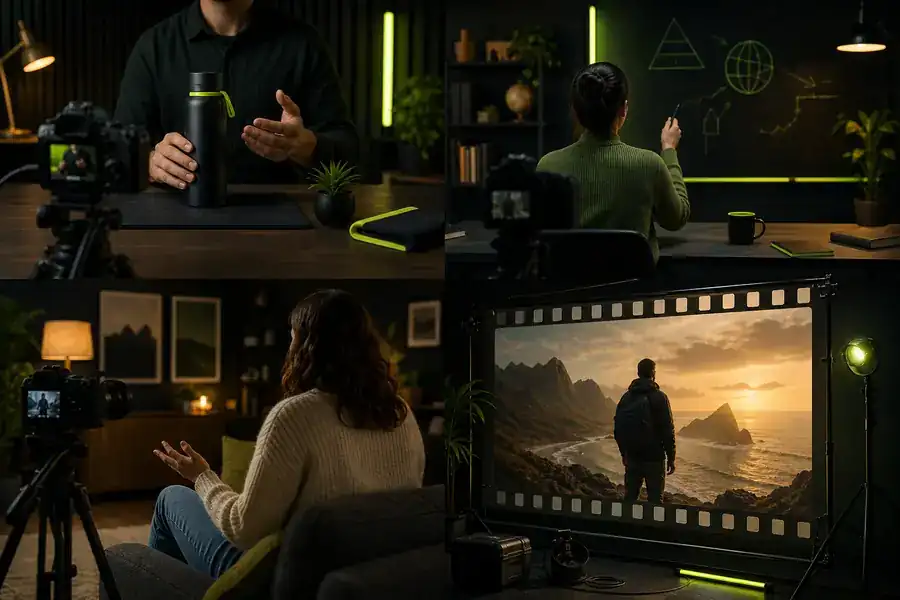
The transformation is not only visual. The finished cut has a deliberate hook, a readable pace, captions that survive muted playback, and a clear next step for the viewer.
Example output
A useful faceless video is more than a generated voice over a slideshow. It should move through a recognisable sequence: promise, proof, explanation, and payoff. This sample evolution shows how the format has matured from simple text overlays into an editable, channel-ready production.
Early faceless videos relied on captions and generic footage, often with little connection between scenes.
Voiceover made educational and commentary formats easier to scale, but pacing still needed manual attention.
Creators began treating fonts, colours, framing, and recurring transitions as part of a recognisable identity.
One narrative could be reframed for vertical, square, and landscape placements instead of rebuilt from scratch.
The strongest tools now generate a starting point while leaving the timeline open for human judgement and brand control.

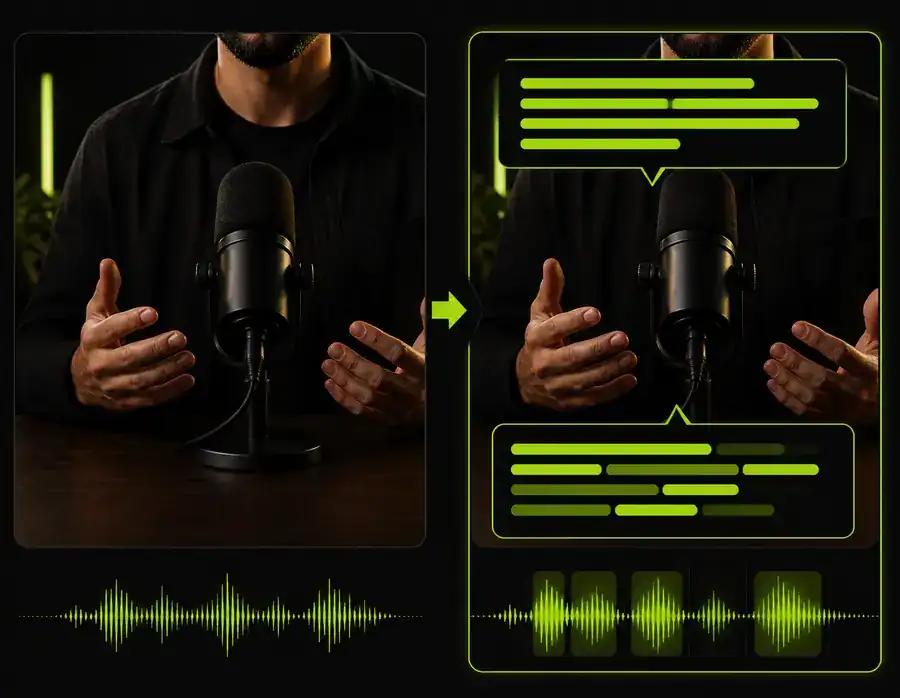
The best next step depends on the format you want to publish. Keep the workflow text-first when the message is the asset; move image-first when you already have strong stills; and use an edit-first route when your footage, screen recording, or product demo carries the proof.
Before you publish
Faceless content can be efficient without becoming careless. Treat generated material as a draft, check every claim, and make the final edit responsible for what your channel says and shows.
Answers for creators
They are videos designed to communicate without a visible presenter, usually combining a script, voiceover, footage or generated scenes, captions, music, and an edited visual sequence.
Yes. You can use an AI voice for the first cut, then adjust pronunciation, pacing, pauses, and emphasis so the narration matches the intended audience and subject.
A specific promise, fast visual changes, useful information, readable captions, and a consistent point of view matter more than showing a face. The edit should give viewers a reason to continue every few seconds.
A simple planning estimate
Planning estimate based on six finished minutes, 28 dollars of equivalent production effort, and 1.4 hours saved per short. Actual results vary by format and review time.